
new
Grading
Audio Annotations 💬
A major component of learning a language is speaking. Previously, giving feedback on specific parts of a recording has been difficult.
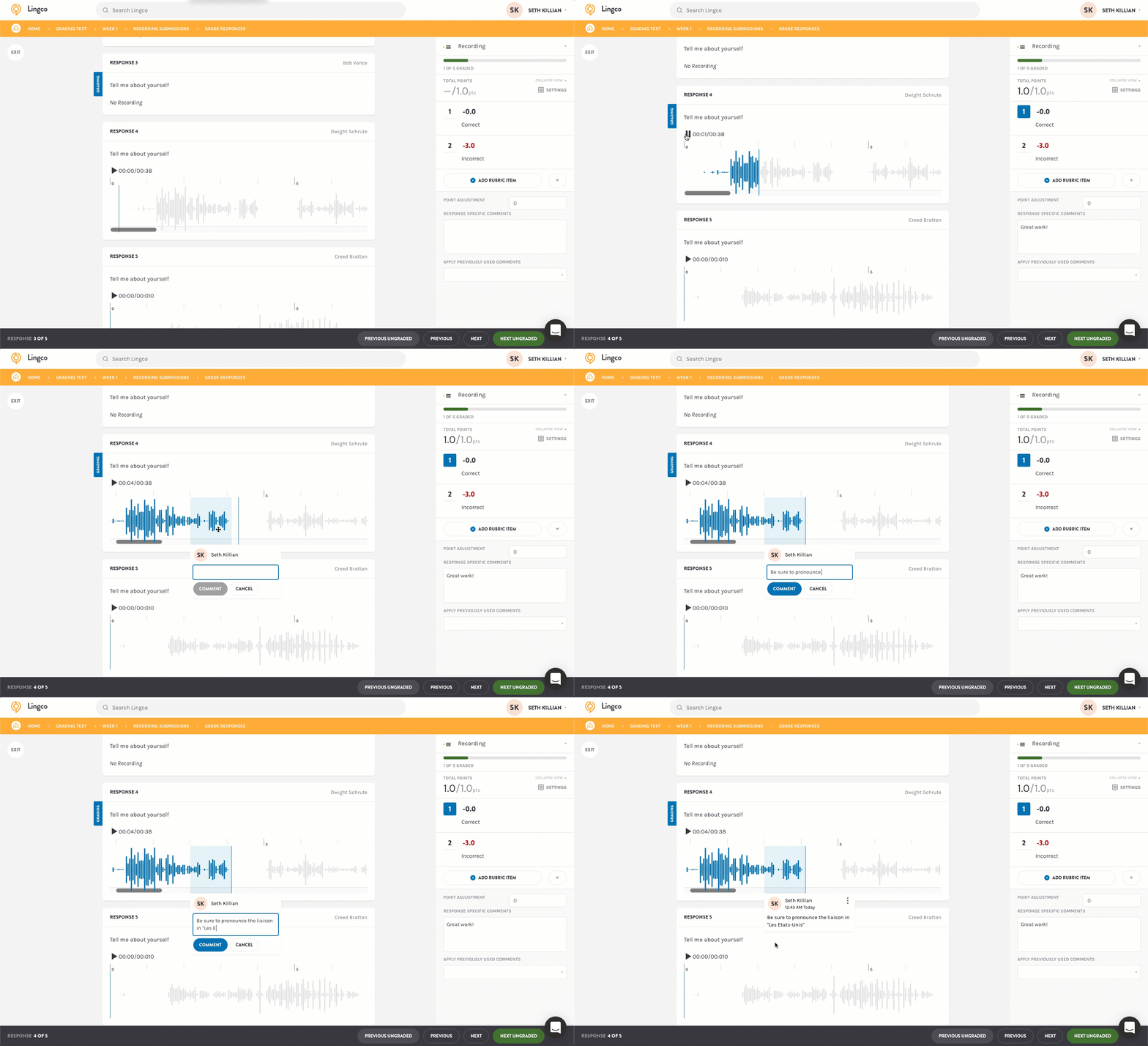
Our goal with this new feature is to allow instructors to easily comment on portions of student's recording when grading.
When grading, student's recordings will now appear as a waveform. To comment, highlight a region with your cursor and a comment box will appear. You can double click on the region to listen to it or drag the edges to resize it.
Once you add an annotation, the student's recording will be locked in and their view will show the waveform and annotations.
We hope that this update provides value and look forward to your feedback on improving the experience!